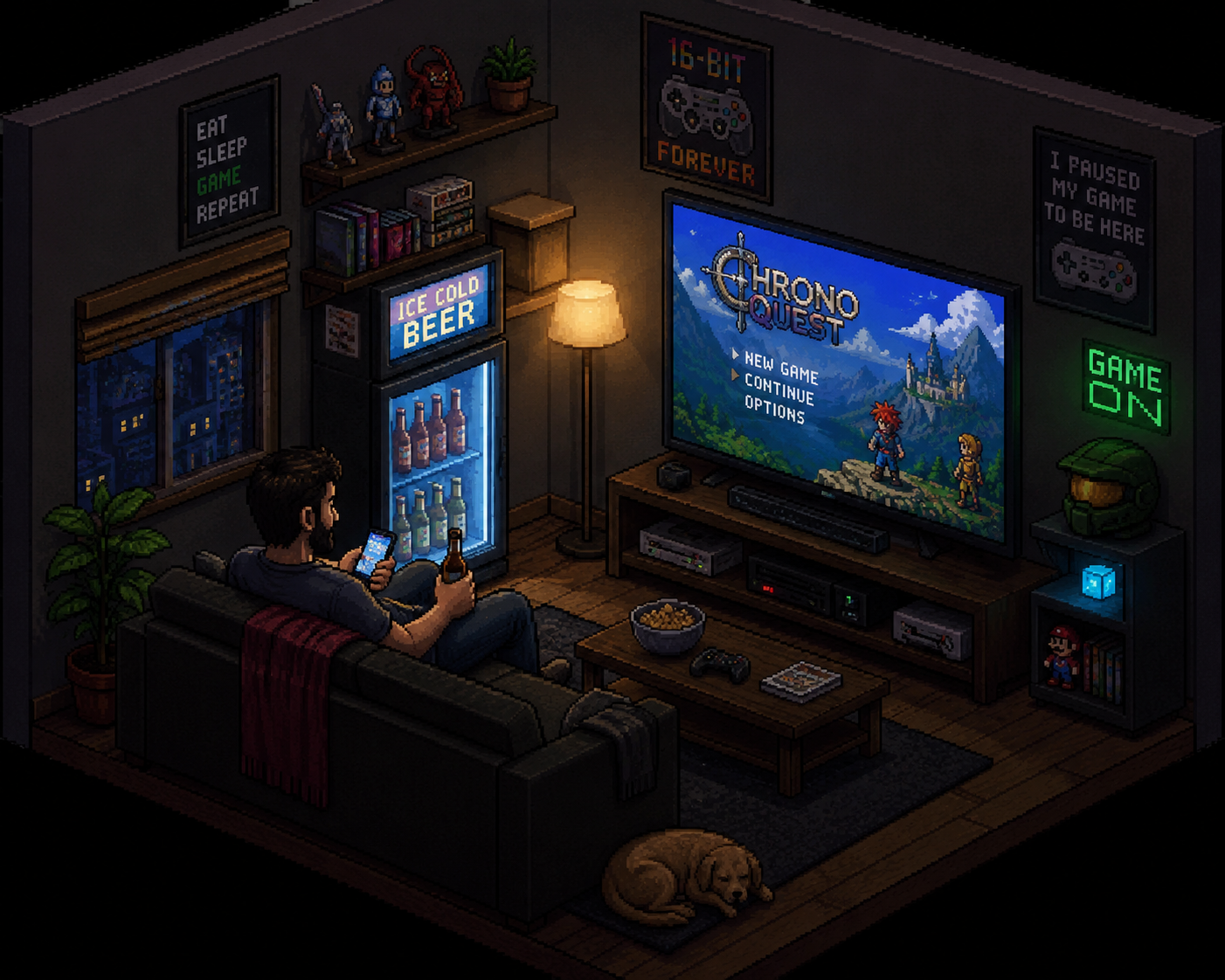
Why I built Checkpoint
Checkpoint came from a very real problem in my own life: I am a dad, I work full time, and I do not always have as much time for videogames as I would like.
I kept coming back to games I loved only to realize I had no idea where I left off, what I was looking for, what I was farming, or what small next thing I had planned to do.
I did not want to dig through endless quest logs or open guides just to reverse-engineer where past me had stopped. When a session is short, spending the first twenty minutes remembering your plan feels terrible.
What to save before closing
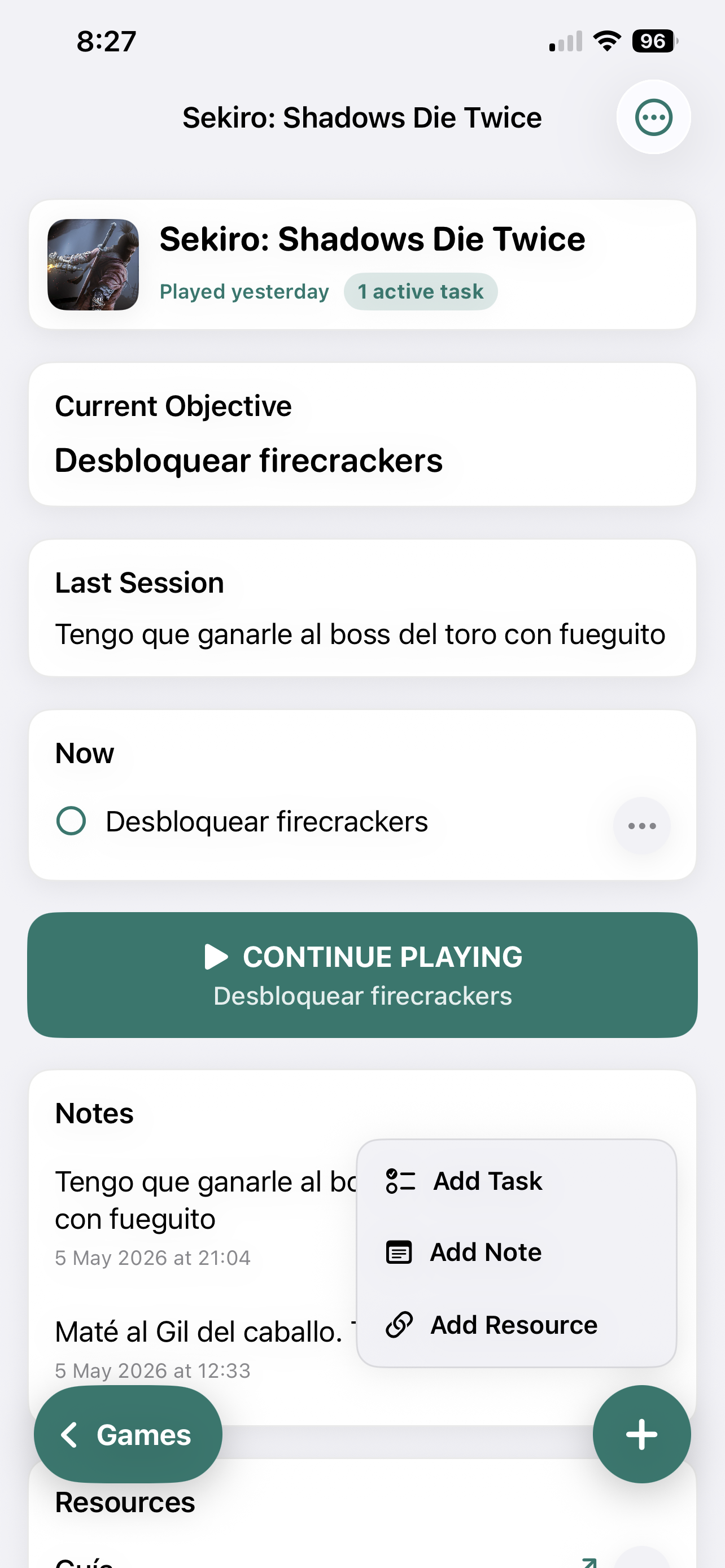
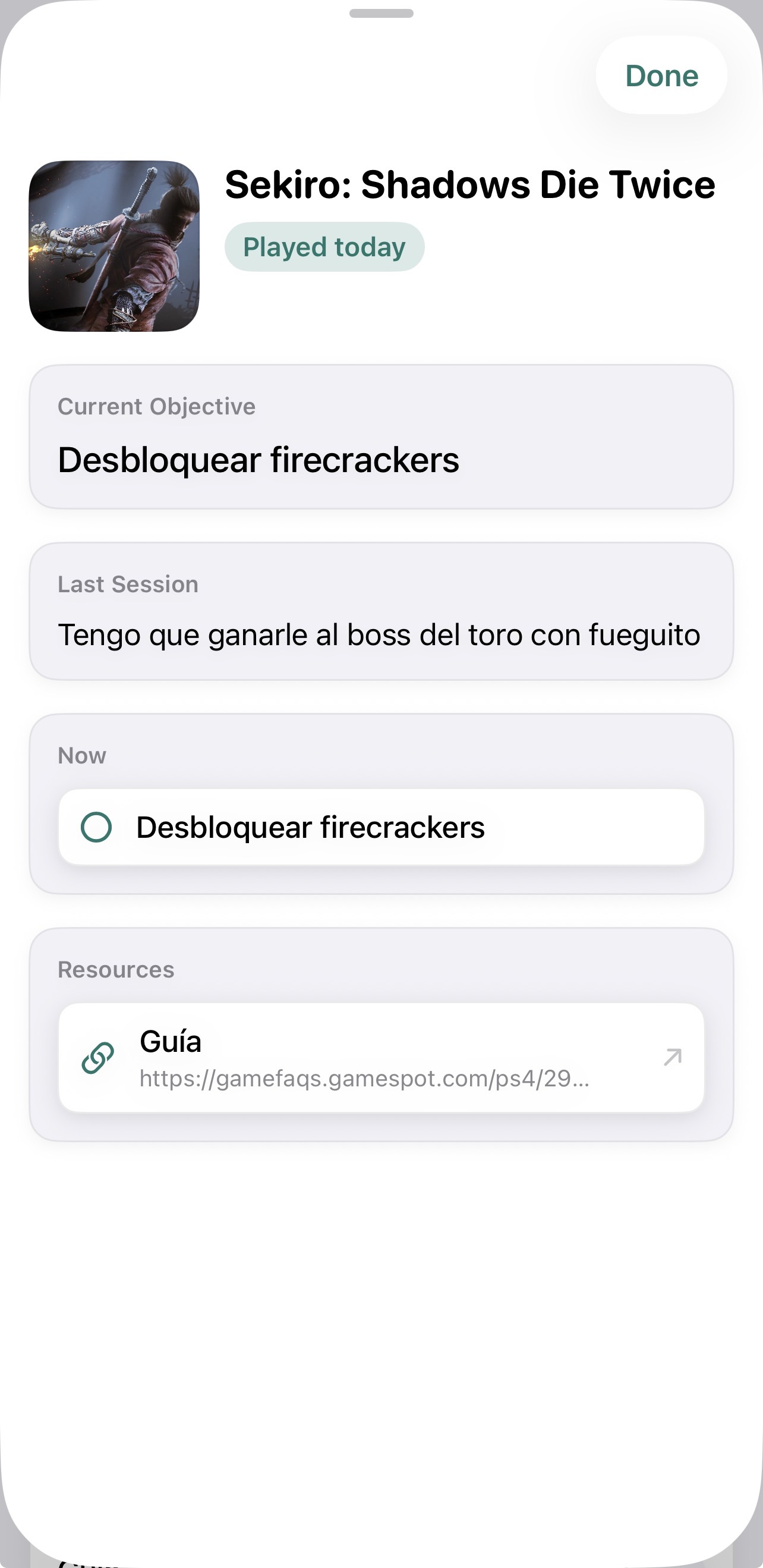
Checkpoint is built around saving the minimum useful context before you put the controller down: where you are, the current objective, what happened in the last session, and any resource or guide you already found.
The goal is not to write a novel. Two or three clear lines are more useful than a long note you will never read again.
- Current objective: one concrete action for the next session.
- Last session: what you just did and where you stopped.
- Notes: clues, pending decisions, or details you do not want to forget.
- Resources: a guide, map, or reference you already found and do not want to search for again.
What to add, and when
Checkpoint works best when each thing has a clear purpose. The point is not to turn your games into a huge spreadsheet, but to save the right kind of context so your next session starts quickly.
These are the four main pieces you can add, and when each one makes sense.
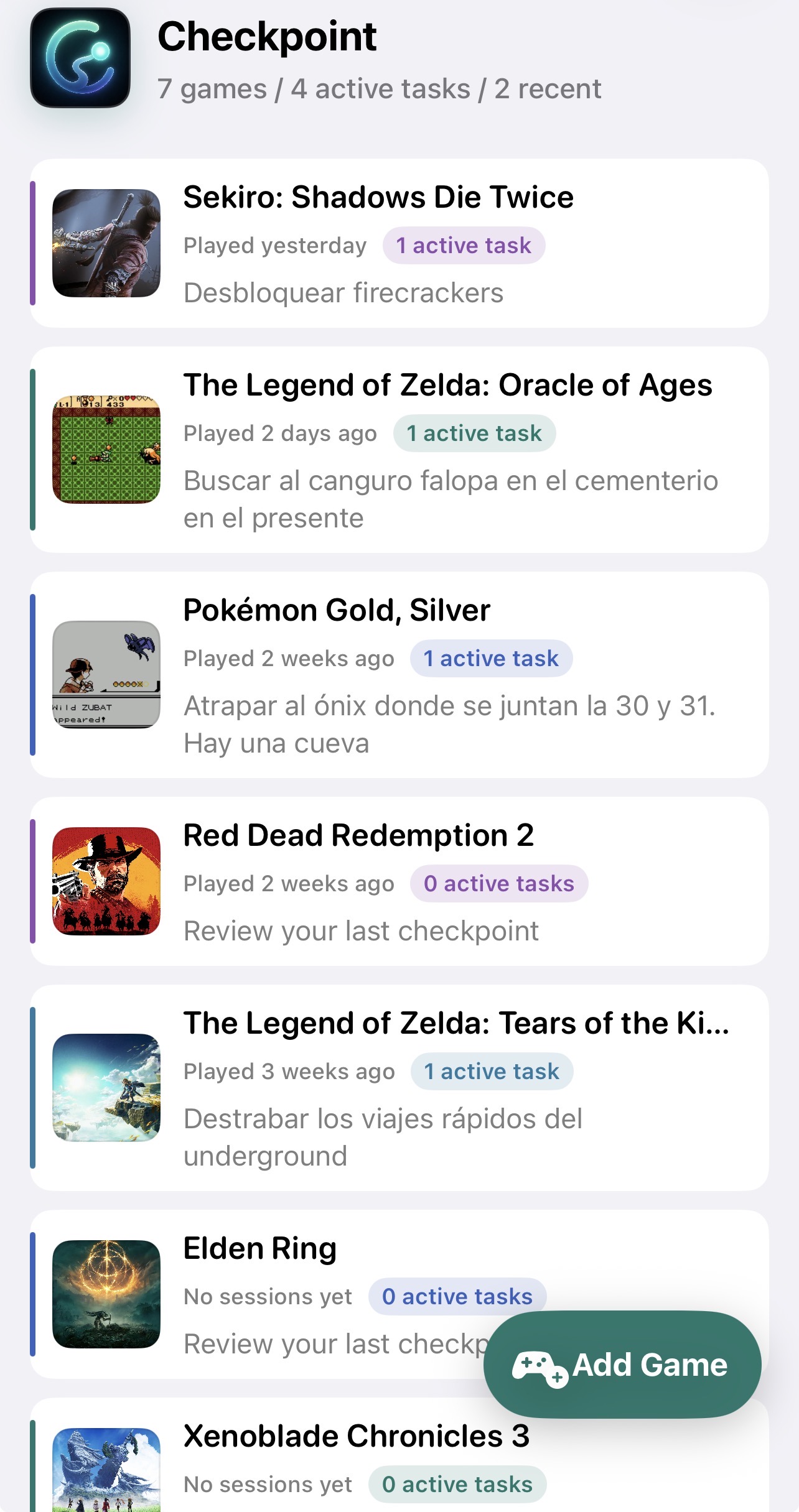
- Games: add a game when you want to be able to resume it later without relying on memory. It is the main container for its current objective, last session, and everything related to that playthrough.
- Notes: use a note for context that does not necessarily require immediate action: a clue, a pending decision, something you tried, a story beat you want to remember, or any detail that explains where your head was.
- Tasks: use a task when there is a concrete action to take. For example: unlock an item, talk to a character, return to an area, farm a resource, or finish a specific step.
- Resources: add a resource when you found something useful outside the game and know you will need it again: a guide, map, wiki, video, build, or page with the location of something hard to remember.
If something answers “what do I do next?”, it is probably a task. If it answers “why was I doing this?”, it is probably a note. If it lives online and saves you from searching again, it is a resource.
Coming back without friction
Thanks to that small ritual, I am now making progress in The Legend of Zelda: Oracle of Ages, Sekiro, Tears of the Kingdom, and many more games, switching context without feeling like I am starting from zero every time.
When I get thirty free minutes, I open Checkpoint, read the next action, and jump into the game with intention. That is the whole point: less administration, more playing.
Your first checkpoint
To start, pick one game you have left hanging and create a simple entry. Do not try to document everything. Just leave a good enough trail for your future self.
- Write one concrete next action.
- Add a short note with the context from your last session.
- Save a guide or resource if you already know you will need it.
- When you return, review that checkpoint before opening the game.
If reading it lets you start playing without wasting time remembering, the checkpoint did its job.
Ready to save your next checkpoint
CheckPoint Companion is available now on the App Store for iPhone.